PRO

Use cases

Compare

Get early access

Google Drive photo gallery for clients

— without uploading

Google Drive photo gallery for clients — without uploading

Google Drive photo gallery for clients — without uploading

Google Drive is great for storing photos. But sharing a folder link with a client doesn’t feel like delivering a finished product. This page shows how to turn an existing Google Drive folder into a clean, professional photo gallery — without uploading files, duplicating storage, or changing where your photos live.

Get early access

Get early access

Get early access

Early users help shape the product

How it works:

A gallery layer on top of Google Drive
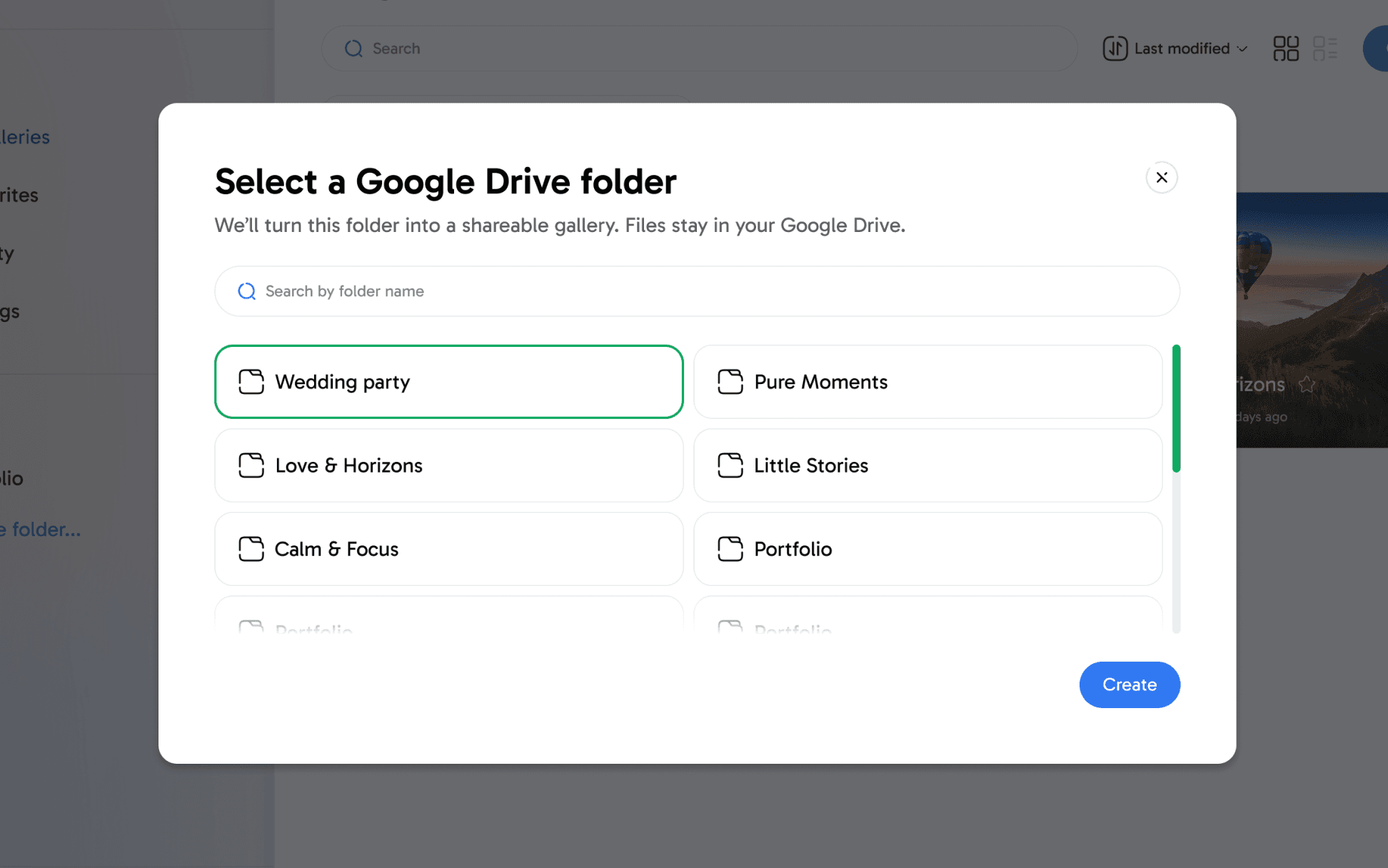
Connect Google Drive
and select an existing folder

Instantly get a clean, mobile-first gallery. No uploads, no imports, no re-organizing required.

Connect Google Drive
and select an existing folder

Instantly get a clean, mobile-first gallery. No uploads, no imports, no re-organizing required.

Share one simple link with your client

Clients open a clean gallery — no accounts needed.

Share one simple link with your client

Clients open a clean gallery — no accounts needed.

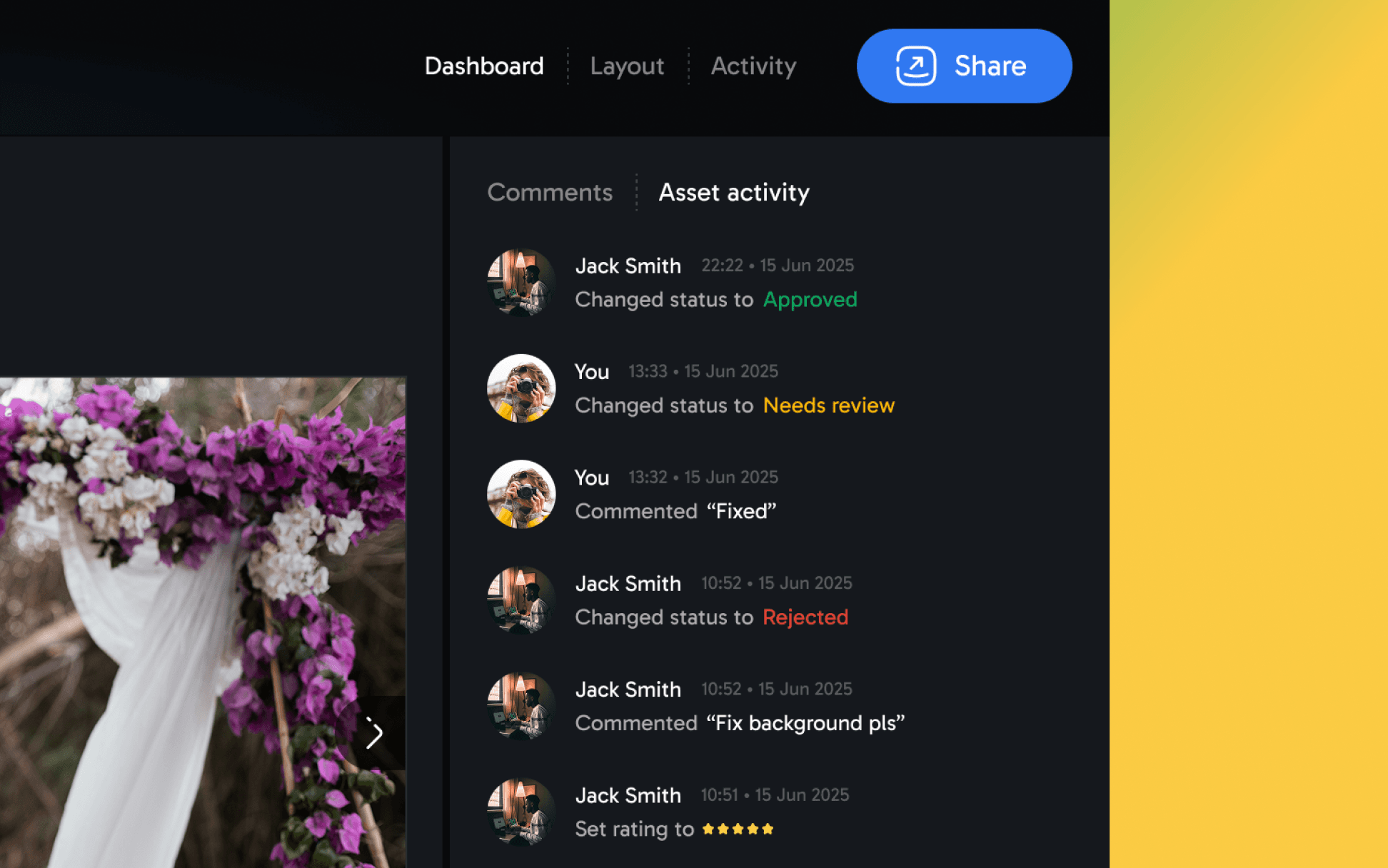
Track approvals, Get feedback

See when galleries are opened and approved, track client decisions, and avoid follow-up messages. Clients leave comments directly on photos, keeping feedback clear, contextual, and easy to act on.

Track approvals, Get feedback

See when galleries are opened and approved, track client decisions, and avoid follow-up messages. Clients leave comments directly on photos, keeping feedback clear, contextual, and easy to act on.

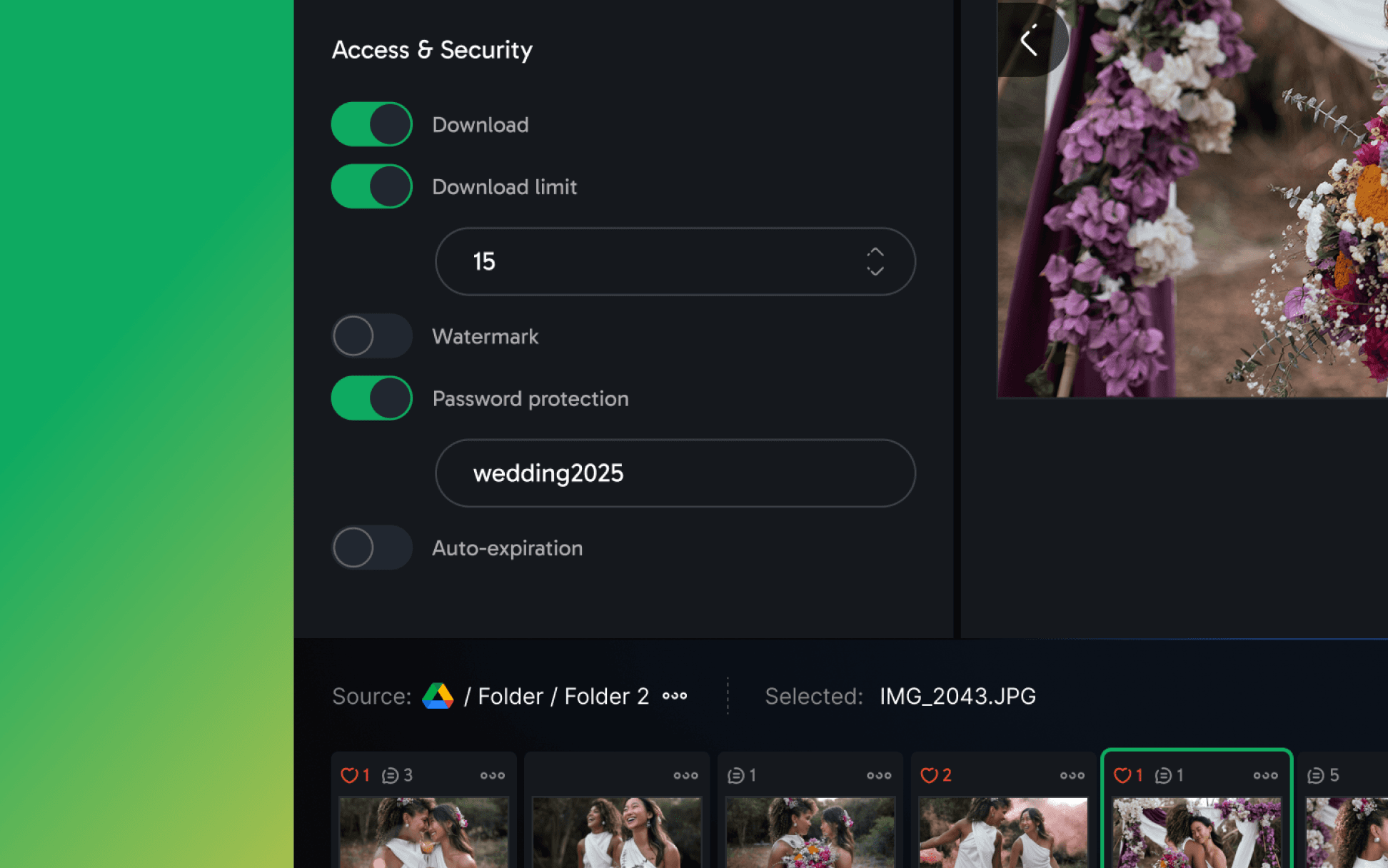
Transfer media

Password-protect galleries, control what can be downloaded, limit the number of files, enable full downloads, and add watermarks.

Transfer media

Password-protect galleries, control what can be downloaded, limit the number of files, enable full downloads, and add watermarks.

The problem

Sharing photos via Google Drive folders isn’t built for clients

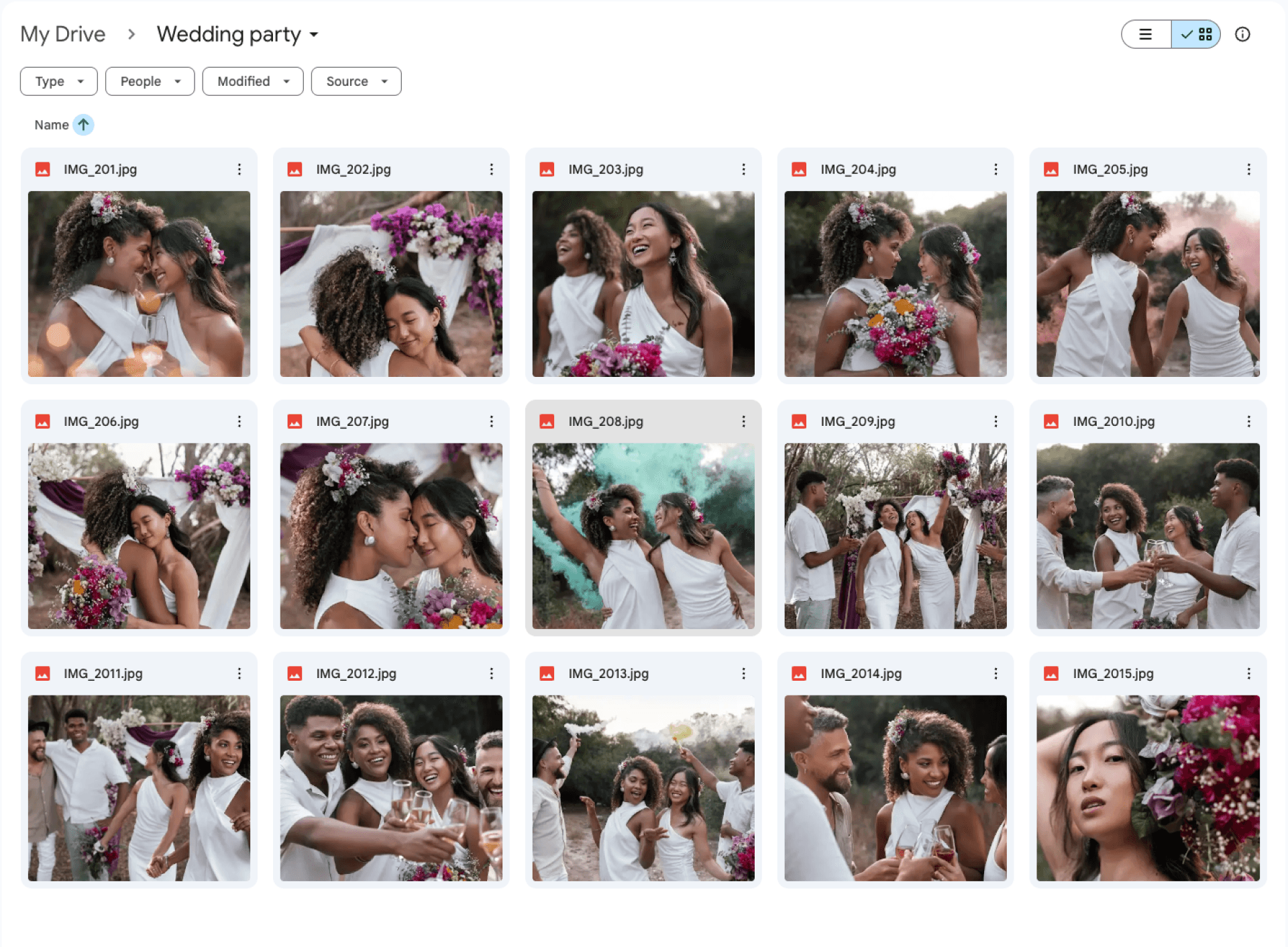
When you send a Drive link, clients see:

  • Filenames and checkboxes

  • A cluttered file interface

  • No visual flow or presentation

It works for collaboration.
It doesn’t work for photo delivery.

Most photographers solve this by uploading everything again to a gallery platform — wasting time and storage.

The solution

A client-ready photo gallery built on top of Google Drive

Instead of uploading your photos somewhere else, you can turn an existing Drive folder into a gallery:

  1. Connect Google Drive (read-only access)

  1. Select a folder with your photos

  1. Instantly get a clean, mobile-friendly gallery

  1. Share one simple link with your client

Your files stay in Google Drive.
Only the presentation changes.

Why photographers choose this

over traditional galleries

Why photographers choose this over traditional galleries

Perfect for: Event photographers delivering large galleries, wedding photographers sharing final results, commercial photographers sending previews, agencies delivering visual assets

Faster setup than traditional gallery platforms

Connect a folder and you’re ready to share

No additional storage costs

Use your own cloud — no extra hosting fees

Looks like a finished product, not a workspace

A polished client experience — not a file browser

Clients don’t need accounts

Open the link and start viewing

No file duplication

Your files stay exactly where 

they are

Google Drive photo gallery

vs traditional gallery platforms

Google Drive photo gallery vs traditional gallery platforms

Traditional gallery tools

require:

  1. Uploading all photos again

  2. Managing separate storage

  3. Maintaining a second workflow

A Google Drive–based gallery starts
where your files already are.

If you want a full comparison, see:

Picflow alternative

for Google Drive users

A Google Drive–based gallery starts
where your files already are.

If you want a full comparison, see:

Picflow alternative

for Google Drive users

Frequently asked questions

Find answers to most common questions here

Do you store my photos?

Do you store my photos?

Do you store my photos?

Do clients need an account?

Do clients need an account?

Do clients need an account?

Can galleries be password-protected?

Can galleries be password-protected?

Can galleries be password-protected?

How is this different from tools like Picflow?

How is this different from tools like Picflow?

How is this different from tools like Picflow?

Deliver photos like a finished product
without changing where your files live

Deliver photos like a finished product without changing where your files live

Deliver photos like a finished product without changing where your files live

Get early access

Get early access

Get early access

Early users help shape the product